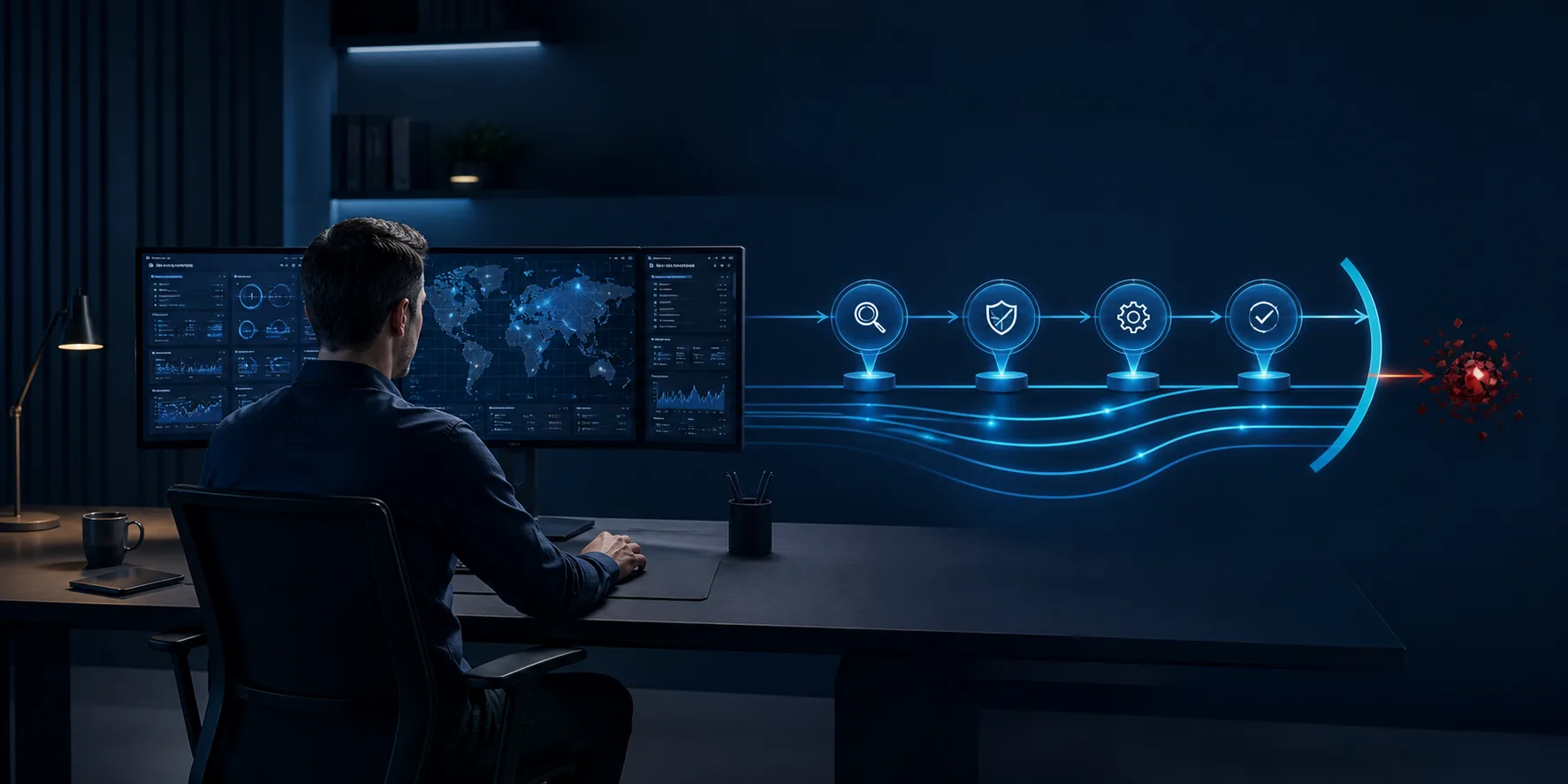
Every company device is a possible route into business information. Antivirus remains important, but modern attacks do not always arrive as a recognisable malicious file. An attacker may misuse a legitimate account, run an unusual process or combine several small actions that only become concerning when viewed together.
Endpoint detection and response, usually shortened to EDR, helps security specialists see and investigate that activity on devices.
How is EDR different from antivirus?
Traditional antivirus is designed to prevent or remove known threats. EDR adds a wider record of device behaviour and creates alerts when activity matches a possible attack pattern.
That can help answer questions such as:
- Which device first showed the suspicious activity?
- Which account was being used?
- Did the same behaviour appear elsewhere?
- What happened before and after the alert?
- What action is needed to contain the concern?
What happens when an alert is raised?
An alert is a prompt to investigate, not proof that an attack has succeeded. A security specialist reviews the evidence, considers the wider context and decides whether the behaviour is expected, harmless or a genuine threat.
If action is needed, the response may include isolating a device, stopping a malicious file, securing an account or checking other affected systems. The exact action depends on the service, licence and response authority agreed in advance.
Why this matters to smaller businesses
Smaller organisations use the same email, identity and device technology as much larger businesses, but they are less likely to have their own security team watching alerts throughout the day and night.
A managed monitoring service gives them access to people who can distinguish noise from a credible concern and respond through an agreed process. It also provides a clearer record of activity and recommendations for future improvement.
EDR is one part of the security picture
EDR focuses on device activity. A complete view may also need information from Microsoft 365 accounts, email and other covered services. The security baseline underneath it still matters: devices need to be managed, accounts need suitable protection and people need clear support routes.
baseMSP’s Core and Extended Security Monitoring options combine relevant Microsoft security information with continuous human investigation and response.
Further reading
Microsoft provides a detailed explanation in its Microsoft Defender for Endpoint overview.